AI Project Management
AI project management that plans itself.
Taskline reads the emails and WhatsApp messages your team already sends and turns them into live task trees, schedules, and client updates — so no one has to type a status report again.
Built by NeeNam Solutions · Chennai, India
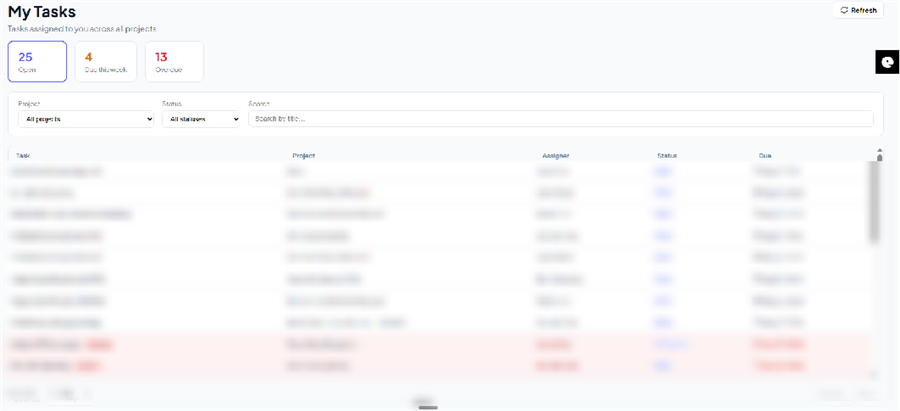
Taskline is an AI-powered project management platform that turns your team's email and WhatsApp messages into live schedules, task boards, and client updates. Built by NeeNam Solutions.
The cost of running on spreadsheets
Manual status updates are expensive — even when no one notices
Status meetings that eat the week
Someone rebuilds the same project deck every week from memory, inboxes, and chat threads instead of doing billable work.
Risk you hear about too late
By the time a delay shows up in a report, the client has already noticed — and the goodwill is already spent.
Client updates as a full-time job
The same milestone email gets drafted, checked, and sent by hand — for every project, every week.
The Taskline loop
Capture. Plan. Monitor. Communicate.
One continuous loop, running quietly in the background of every project.
Capture
Email and WhatsApp intake with AI intent parsing — no manual status entry.
Plan
A guided SOW-to-schedule wizard generates task trees, dependencies, and critical path.
Monitor
Live dashboards, burndown/burnup trends, and an escalation matrix flag drift early.
Communicate
A client portal plus automated WhatsApp and email updates close the loop.
Autonomous capture
Your inbox and WhatsApp become the data entry
Taskline passively monitors the channels your team already uses — no new tool for anyone to adopt, no forms to fill in.
- ✓ Reads contracts, SOWs, approvals, and change requests as they arrive
- ✓ Understands attachments as well as message text
- ✓ Interprets a client's WhatsApp message and applies it to the plan
- ✓ Structured project boards initialize automatically — nothing to key in
Intelligent planning
From SOW to schedule in minutes
A guided wizard turns a statement of work into a full task backlog — then hands you dependencies and a critical path, not a blank board.
- ✓ SOW-to-schedule wizard builds the task tree for you
- ✓ Dependencies and critical path calculated automatically
- ✓ Skill-based assignment suggests the right person by proficiency and current load
- ✓ CSV import with a column-mapping preview, plus export
Dynamic auto-scheduling
When plans change, Taskline replans
A detected delay doesn't wait for someone to notice. Taskline recalculates the schedule immediately — and shows you exactly what would change before anything moves.
- ✓ Recalculated dates from dependency and estimate changes
- ✓ Proposed-vs-current diff, so nothing moves silently
- ✓ Critical-path highlighting across the Gantt view
- ✓ Workload chart flags overloaded people before you assign more
One backlog, four views
Work the way your team already thinks
Kanban
Drag tasks across a status board
List
A fast, sortable task list
Calendar
See work laid out by date
Gantt
Dependencies and critical path
Your last-used view is remembered per project — switch anytime, the underlying data never changes.
Early-warning visibility
See drift before it becomes a crisis
Project health, burndown/burnup trends, and a configurable escalation matrix give you the operational signal reactive spreadsheets never could.
- ✓ Live project health: completion %, overdue %, open vs. done
- ✓ Burndown/burnup trend lines expose velocity drift as it happens
- ✓ Escalation matrix auto-notifies the right people by days overdue
Taskline surfaces drift in real time as it happens. Forecasting budget overruns weeks in advance needs a calibration period against your own project history — available as a scoped add-on for teams with historical data to train against.
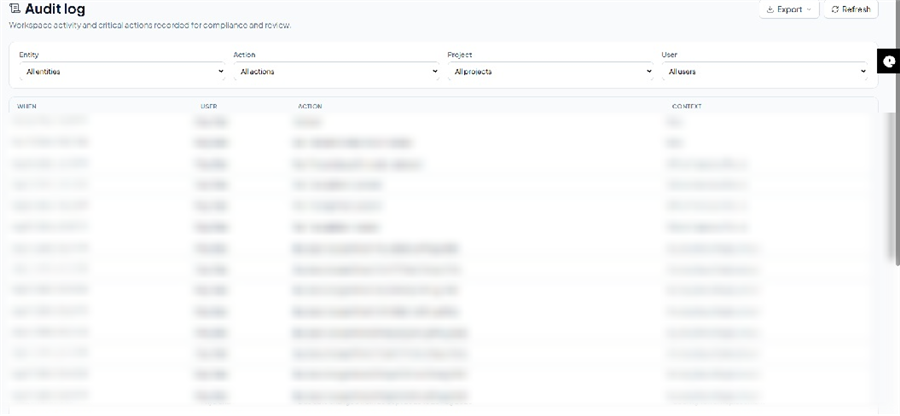
Roles & access
The right access for every person on the project
Tenant-level roles plus project-level scoping, so staff, managers, and clients each see exactly what they need.
See Taskline run on your own project.
Bring one real SOW or a week of project emails — we'll show you the task tree, schedule, and client update Taskline builds from it.